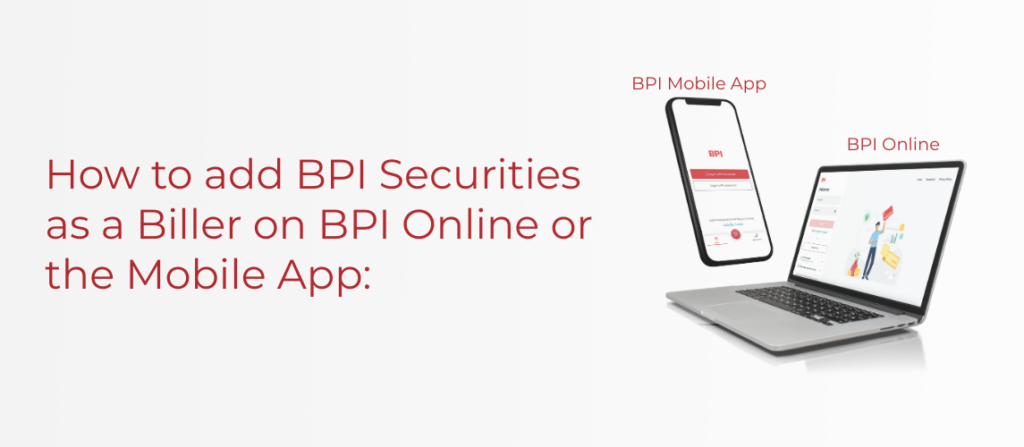
You may do so in 2 ways:
Via BPI Online
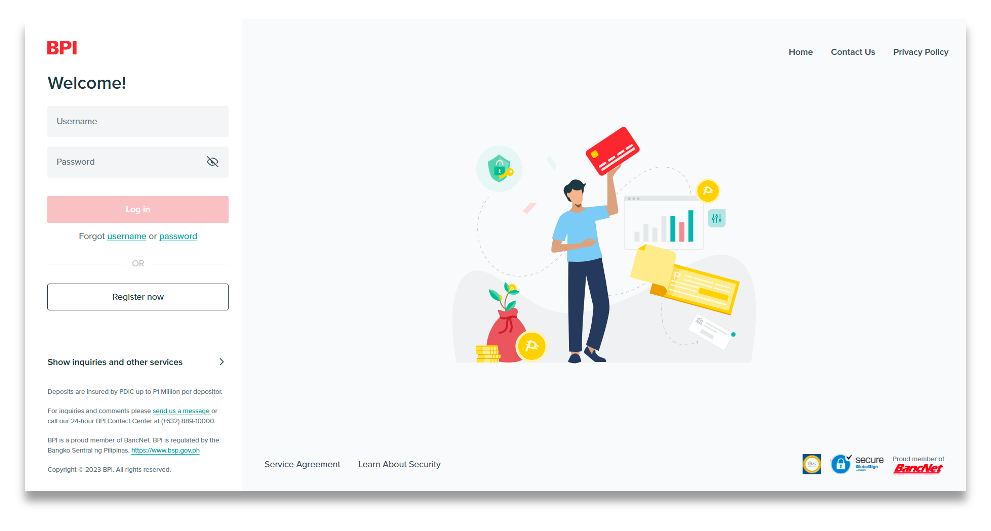
1. Access your BPI Online
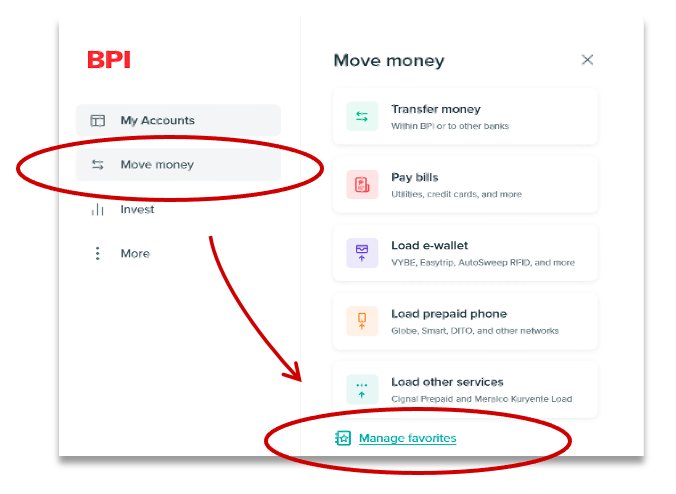
2. Go to Move money then click ”Manage Favorites”
3. Click “Add new Favorite”

4. Select “Billers” as type of favorite
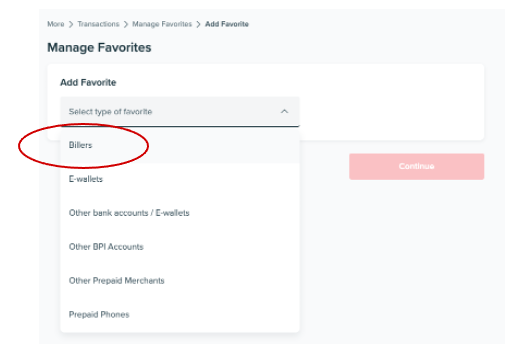
5. Select BPISEC as your biller
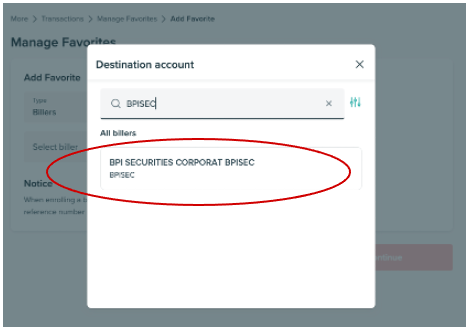
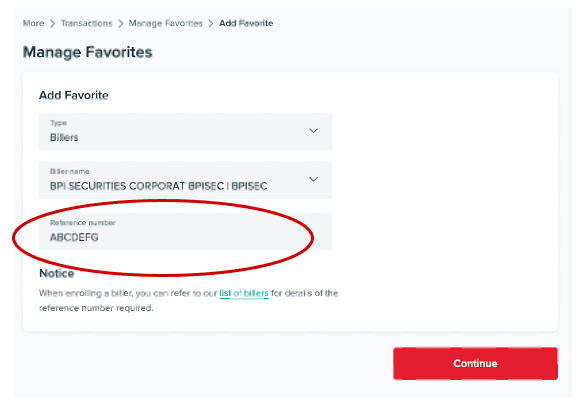
6. Enter your Account Code as the reference number
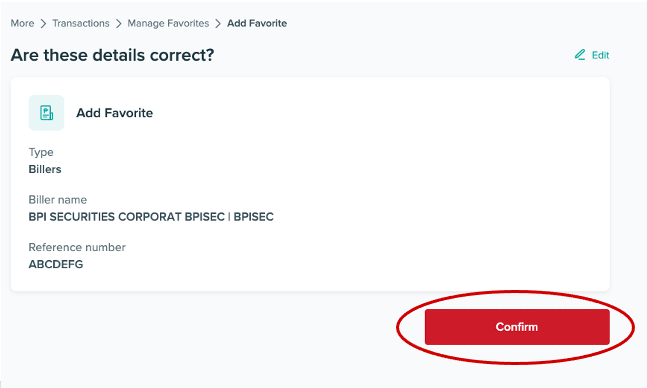
7. Double – check and click “Confirm” if the details are correct
Via the BPI Mobile App
1. Access the BPI mobile app
2. Go to “Move Money”
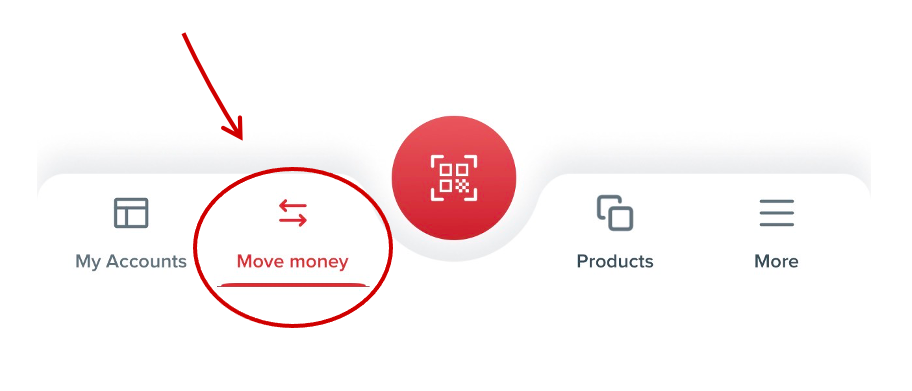
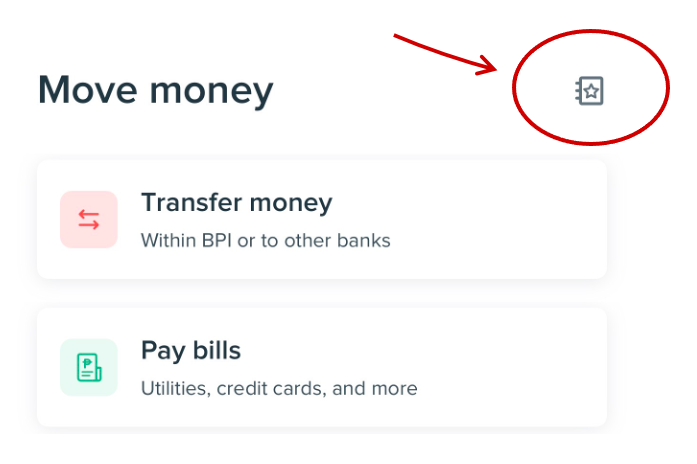
3. Click the notebook icon on the upper right
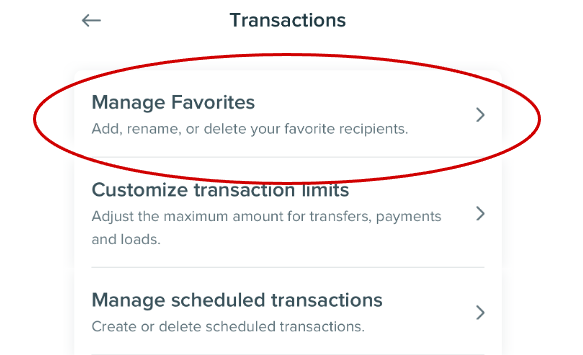
4. Go to “Manage Favorites”
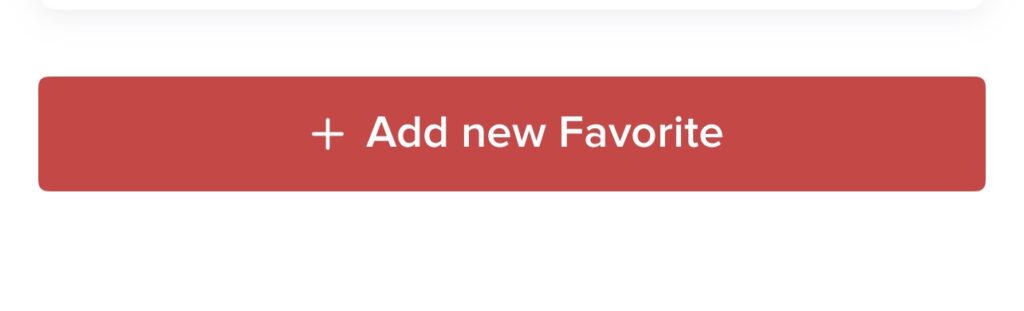
5. Click “Add new favorite”
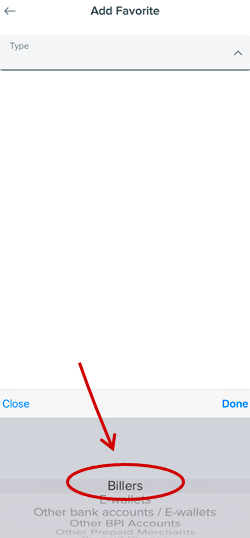
6. Select “Billers” as type of favorite
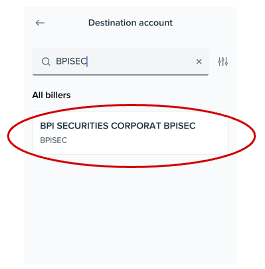
7. Select BPISEC as your biller
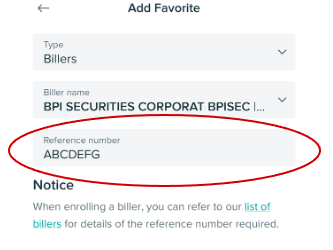
8. Enter your Account Code as the reference number
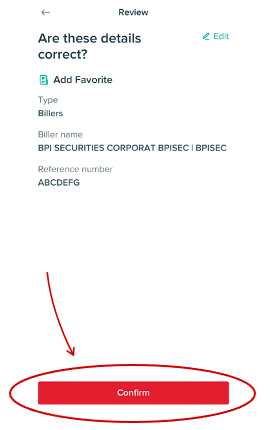
9. Double – check and click “Confirm” if the details are correct
Important Note:
| Funding made BEFORE 5:00 PM | Reflects on the next working day |
| Funding made AFTER 5:00 PM | Reflects within two working days |