How do I place an Odd Lot order on the New BPI Trade Mobile App
How do I place an Odd Lot order on the New BPI Trade Mobile App
1. Go to the Menu and click Settings

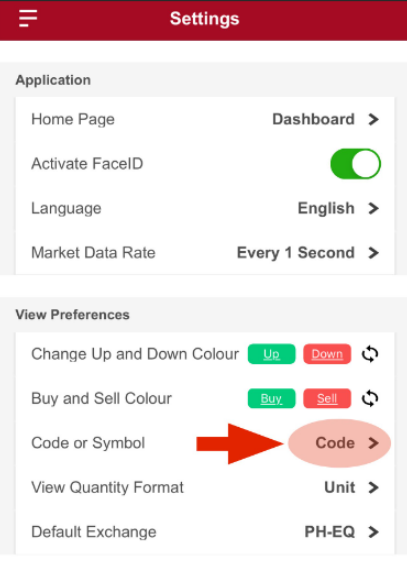
2. Under View Preferences > Click Code or Symbol
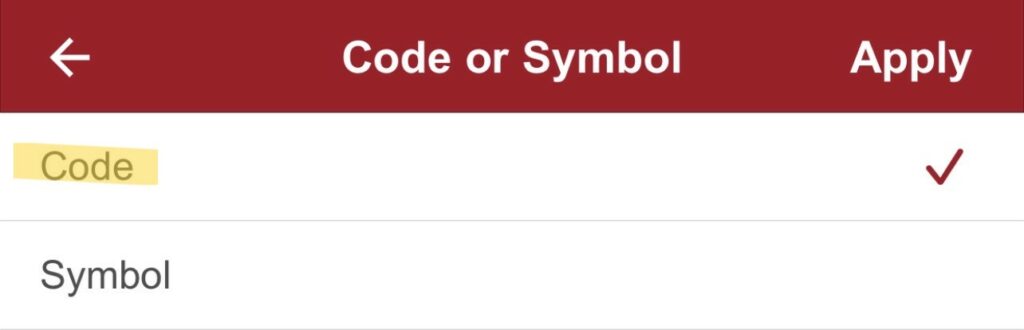
3. Choose Code > Click Apply
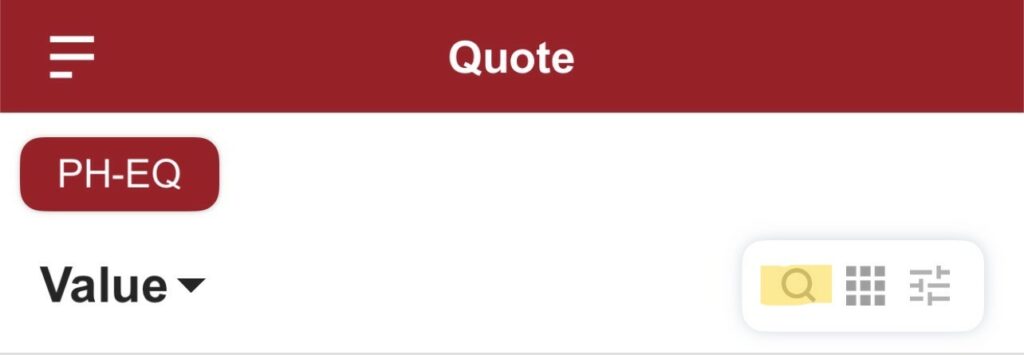
4. Click Quote > Click the magnifying glass on the right side
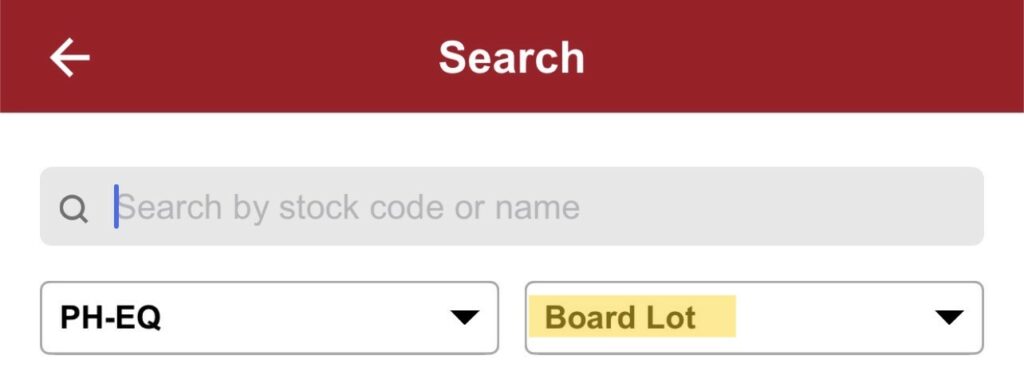
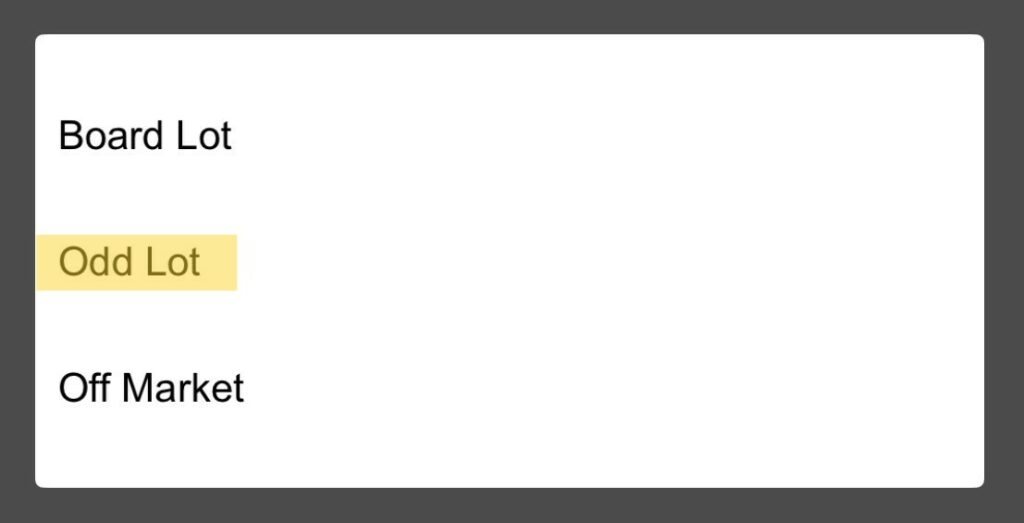
5. Click Board Lot > Then select Odd Lot
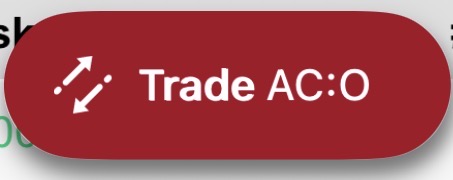
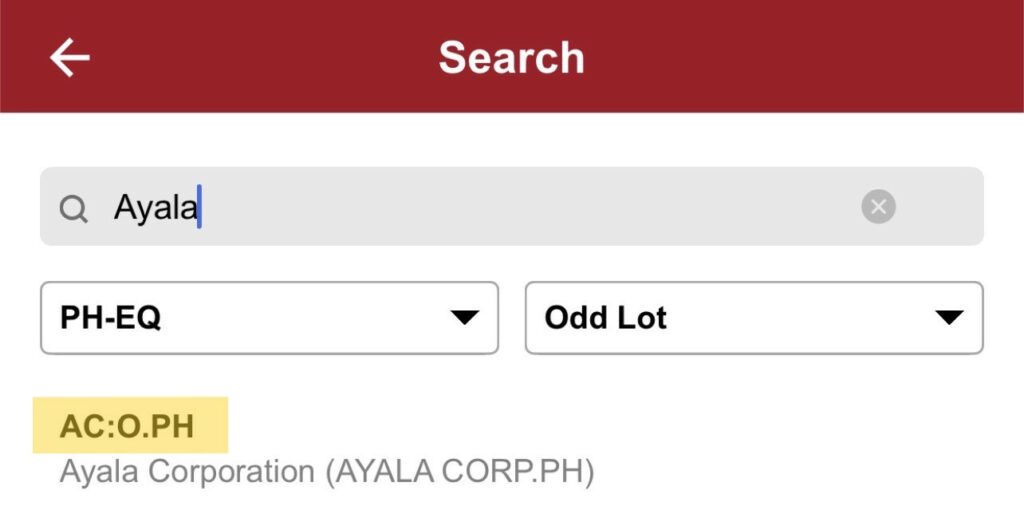
To make sure that you are on the Normal Odd Lot page, please make sure that stock codes are labeled with (stock code):O.PH like the image below:
6. Click Trade on the lower right button then fill out the Order Pad